

Account, languages and privacy
Set your languages, notifications and account security, block or report someone, export or delete your data.
Settings are in Profile › Settings.
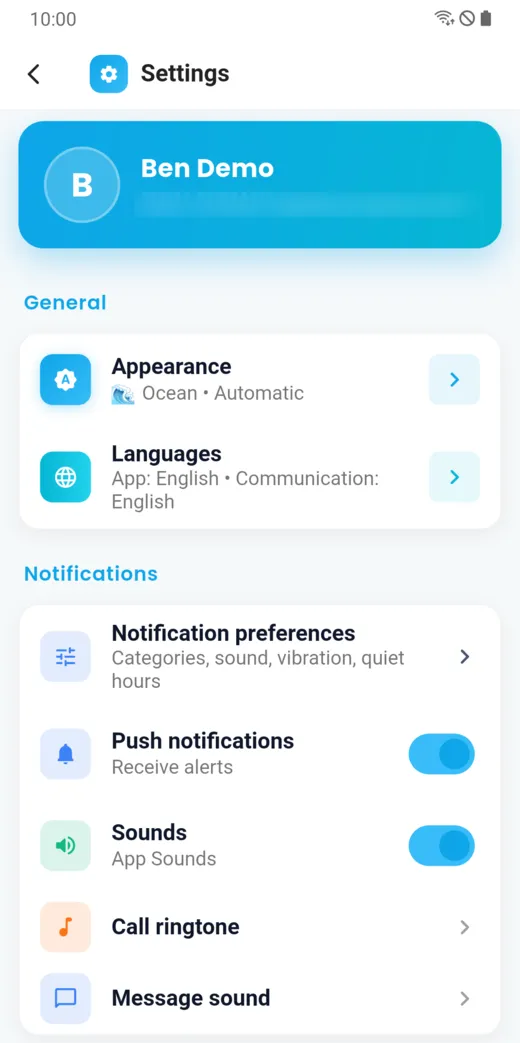
Your three languages
In Settings › Languages, you set separately:
- the app language: that of screens and menus;
- the notification language: what LibComPlus writes to you when the app is closed;
- your communication language: the one you write your messages in. The messages you receive are translated from and to this language.
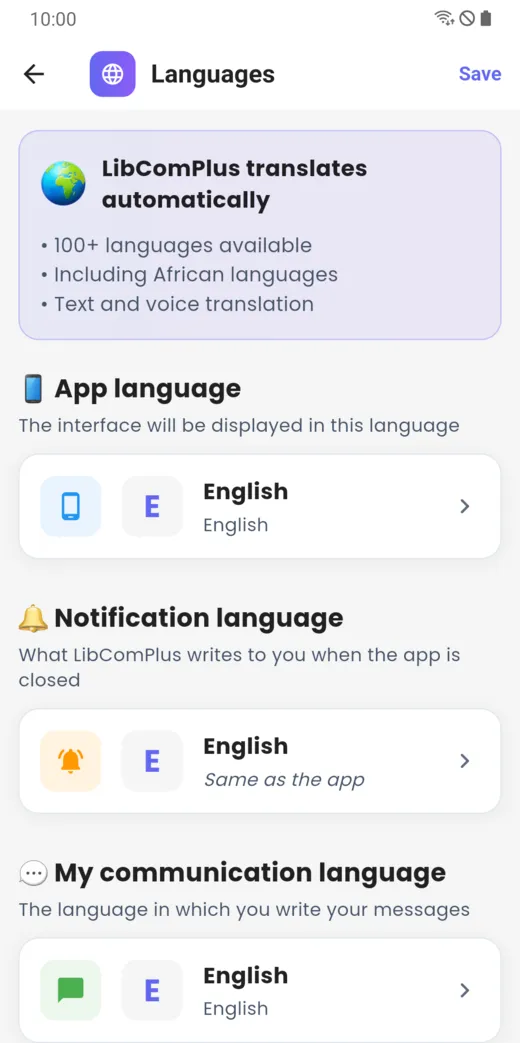
The display-language list only offers the languages in which the app’s screens are translated. The communication-language list is much longer: more than 100 languages, including African languages.
Notifications and sounds
Notification preferences sets categories, sound, vibration and quiet hours. You can also turn off push notifications and sounds, and choose the call ringtone and the message sound.
Translation and account
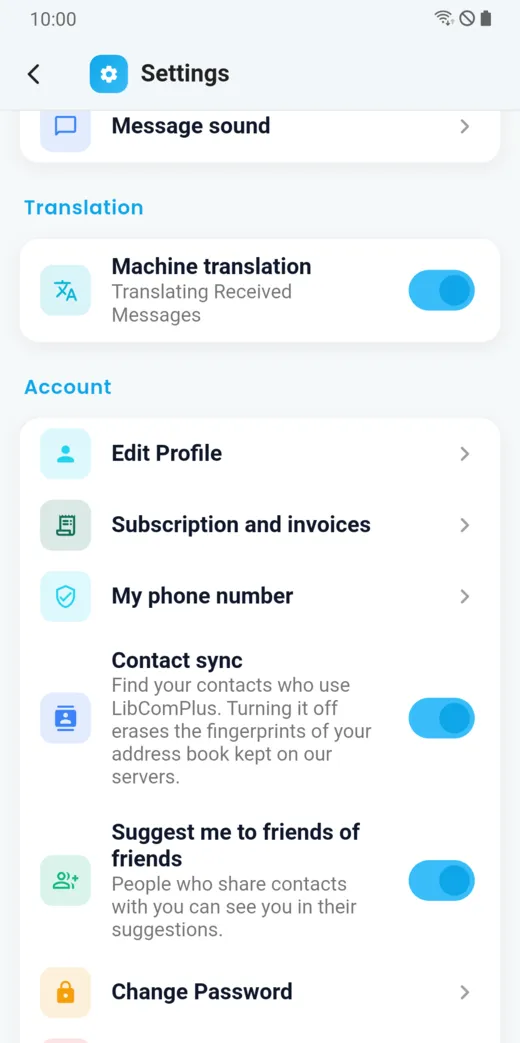
- Machine translation: translates the messages you receive. Turn it off and you read messages as they were written.
- Edit Profile and My phone number.
- Subscription and invoices.
- Contact sync: finds your loved ones who use LibComPlus. Turning it off erases the fingerprints of your address book kept on our servers.
- Suggest me to friends of friends: people who have contacts in common with you may see you in their suggestions.
- Change Password.
Security
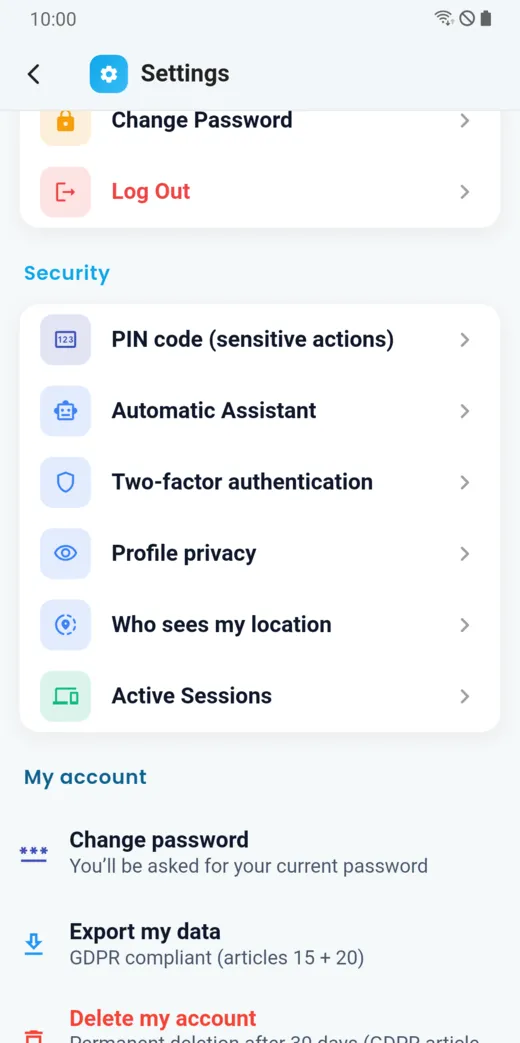
The Security section holds the PIN code (for sensitive actions), two-factor authentication, profile privacy, who sees my location and active sessions.
Block or report someone
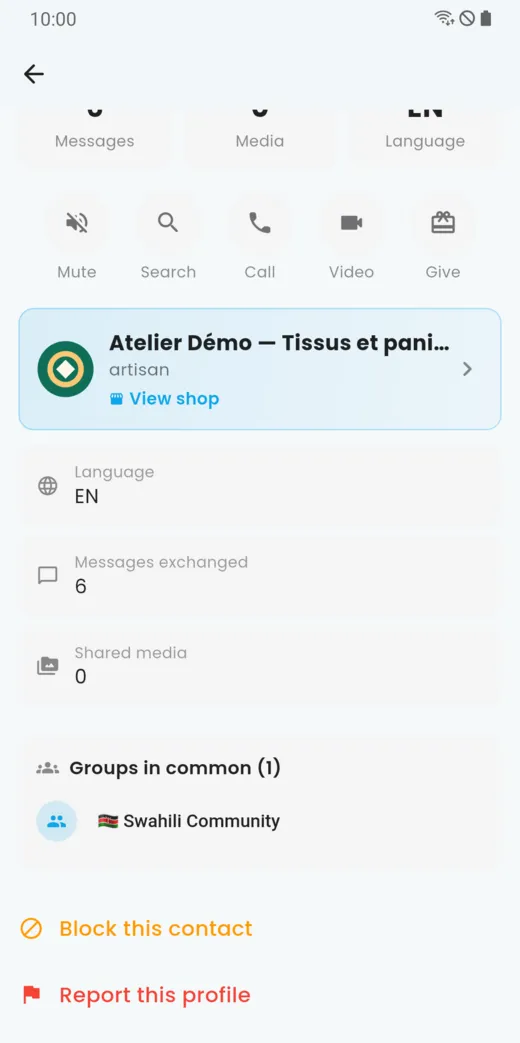
In a conversation, tap ⋮ (More options), then Contact info.
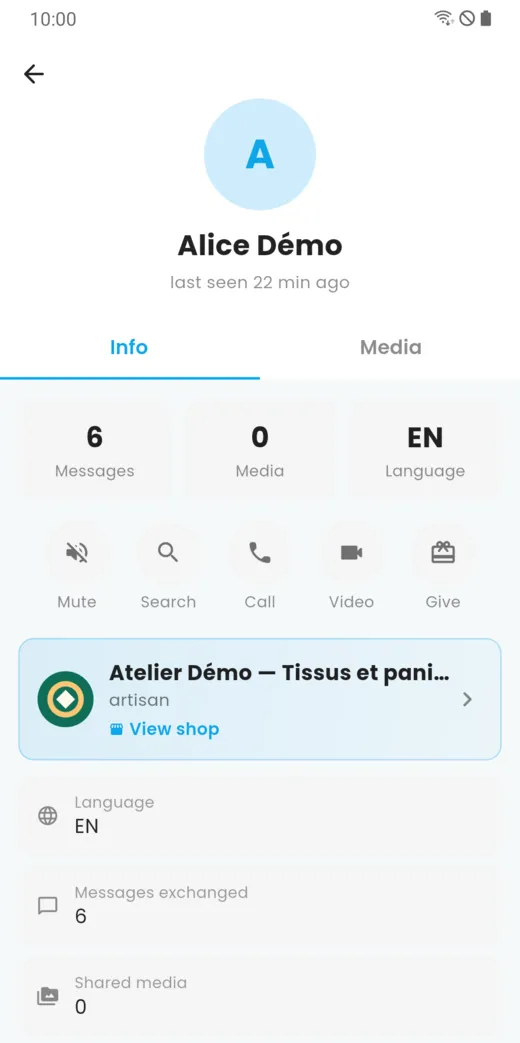
Scroll down: you will find Block this contact and Report this profile. You can also report a message or a product from where it appears.
Export your data
Settings › My account › Export my data hands you your account data, in line with articles 15 and 20 of the GDPR.
Delete your account
Settings › My account › Delete my account starts the deletion. It becomes final after 30 days. You can also request it from the “Delete your account” page of the site.
Uninstalling the app does not delete your account.
The texts that apply
The terms of use, the privacy policy and the refund policy are available from the footer of the site.
Doesn’t this page answer your question?
Ask it in the help window, or write to support@libcomplus.com.
Ask a question