

The pocket translator
Translate text, a face-to-face conversation, a photo, a document or ready-made phrases.
The Trans. tab brings together everything you need to understand someone, or be understood, without going through a chat.
First launch
The first time, a short three-step introduction appears. Tap Next to read it, or Skip to close it.
Talk with someone
This is the face-to-face conversation mode: put the phone between you and tap the microphone. Each person speaks their own language, and the phone translates out loud.
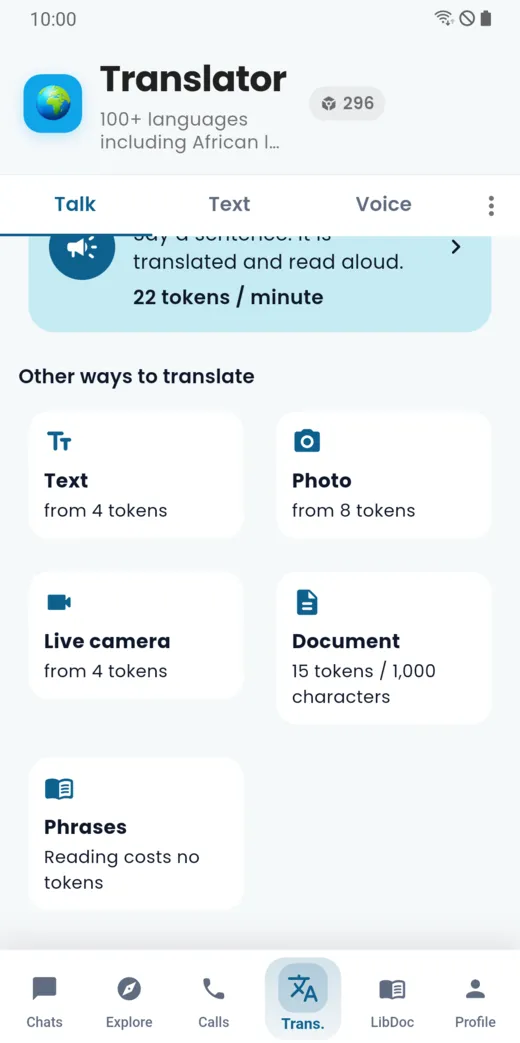
- Check your language and the other person’s language; the middle button swaps them.
- Tap Start.
- Speak: the sentence is translated and read aloud.
The price per minute is shown on the screen before you start.
Other ways to translate
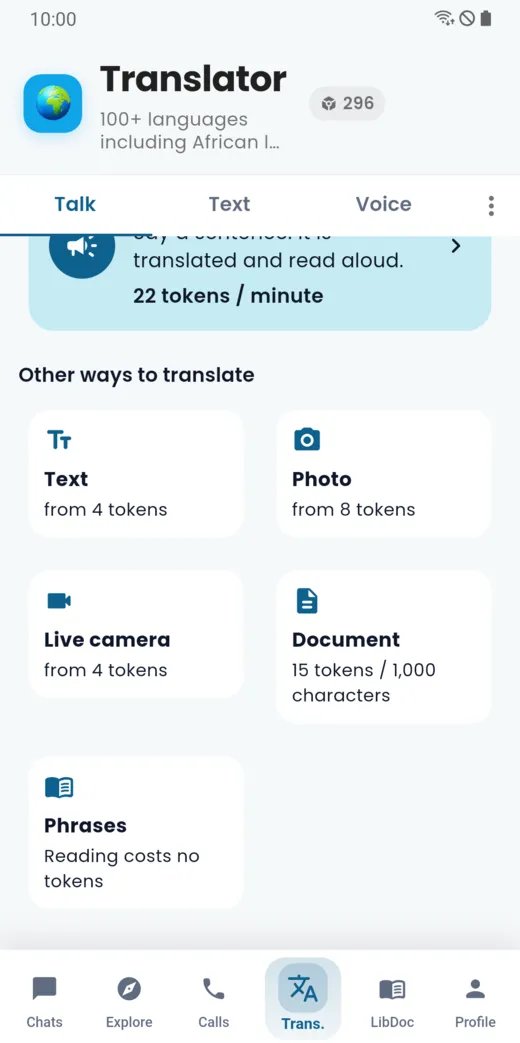
Under the conversation mode, the “Other ways to translate” list gives access to text, photo, live camera, documents and phrases. The starting price of each one is shown.
Translate a text
Open the Text tab, type or paste your text (up to 5,000 characters), choose the target language and tap Translate. The source language can be detected automatically.
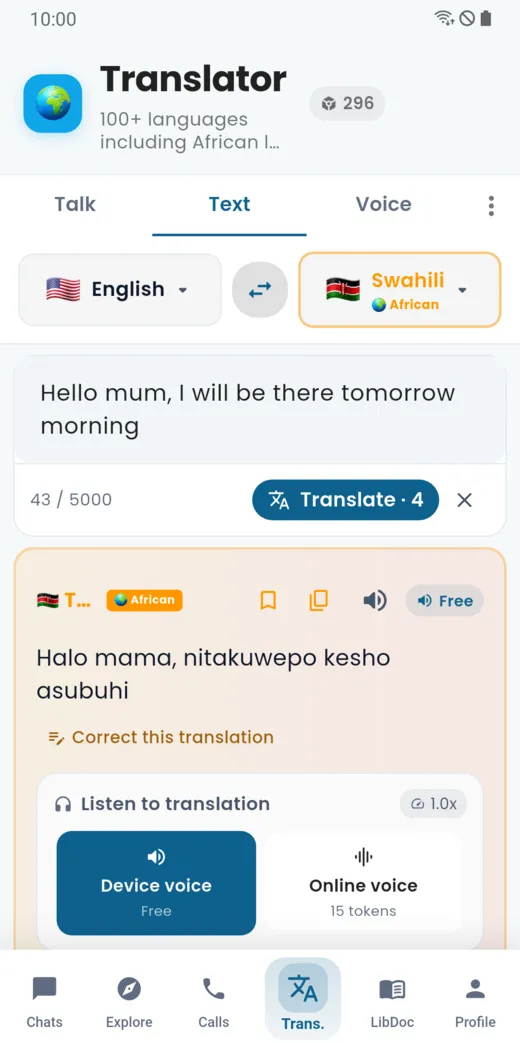
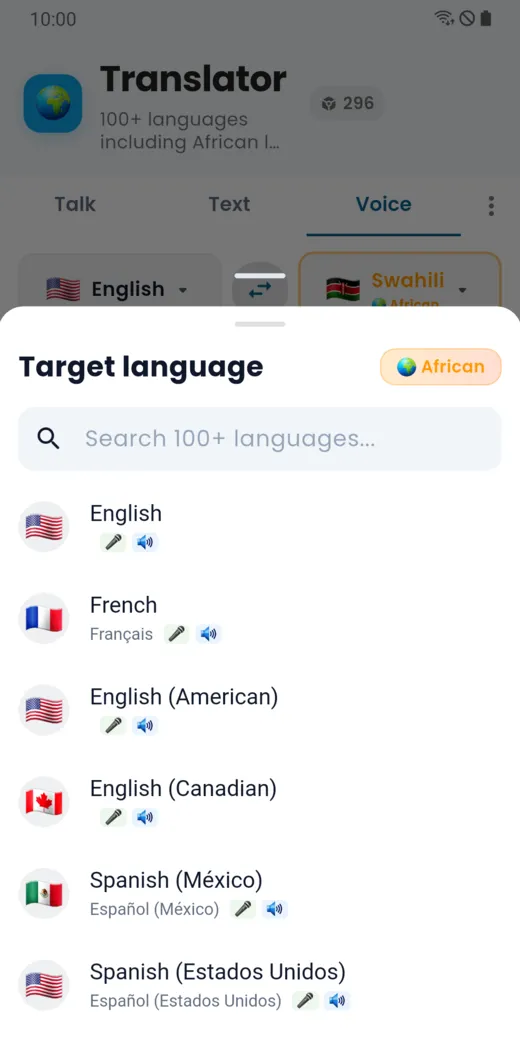
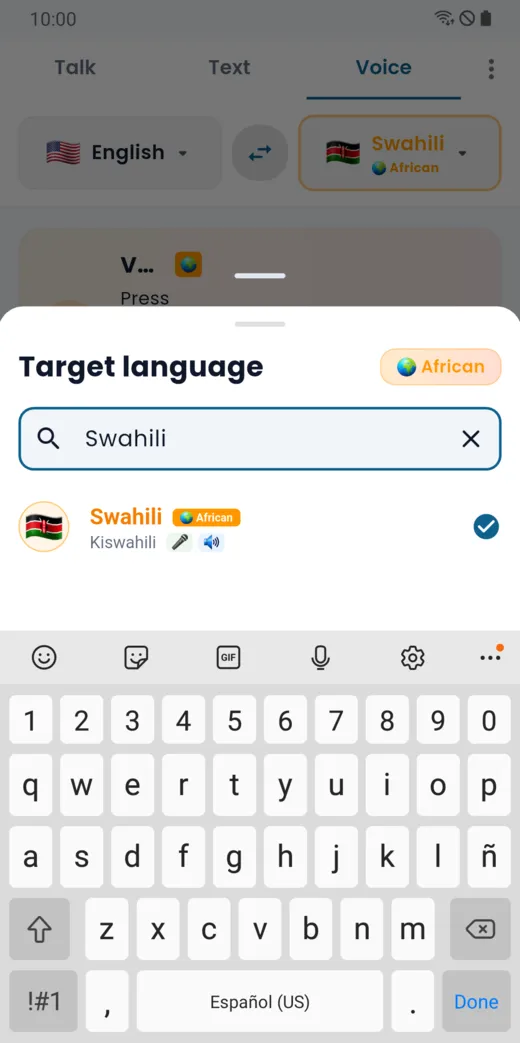
To choose a language, tap the language name: a list opens, with a search field.
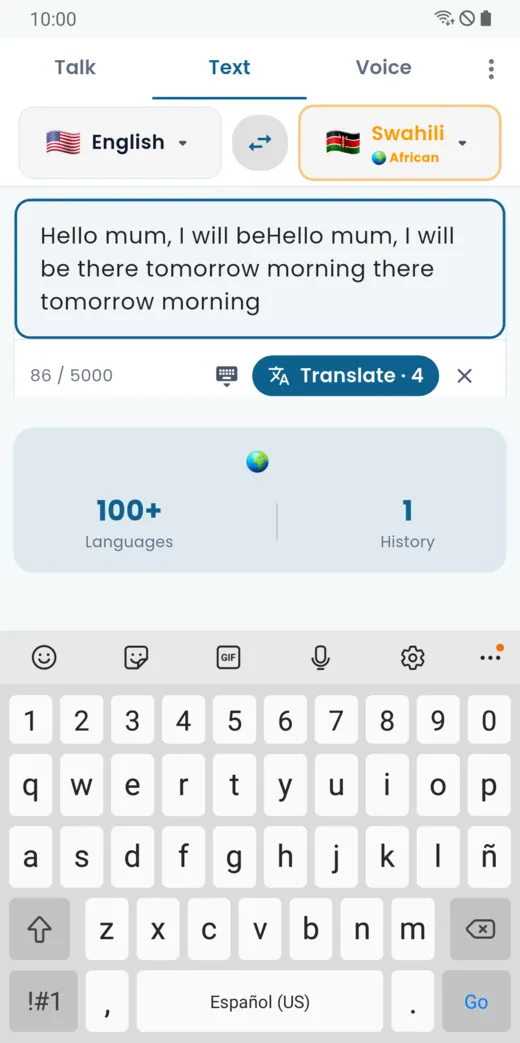
The Translate button shows the price in tokens.
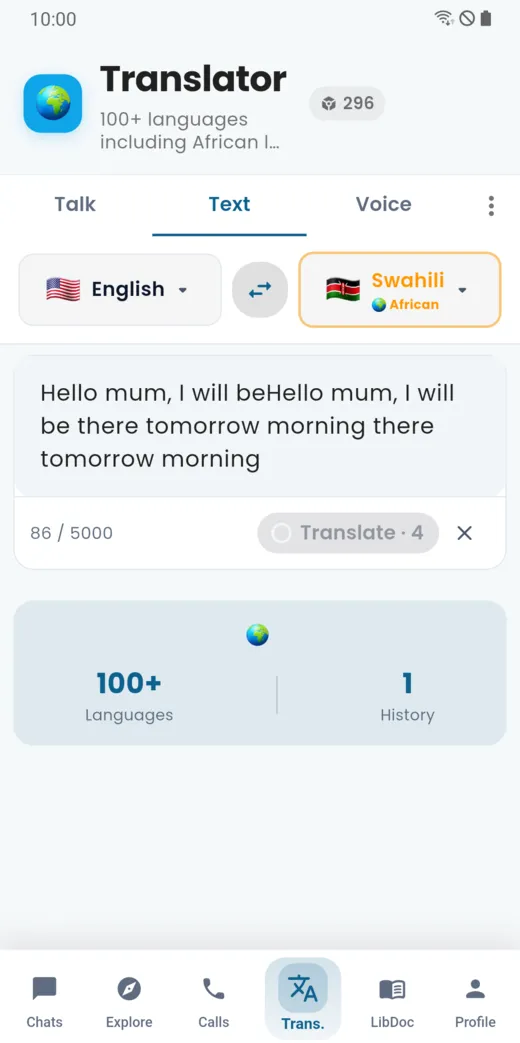
The result appears under the text. You can copy it, add it to favourites, listen to it, or correct the translation if it looks wrong.
Translate a photo
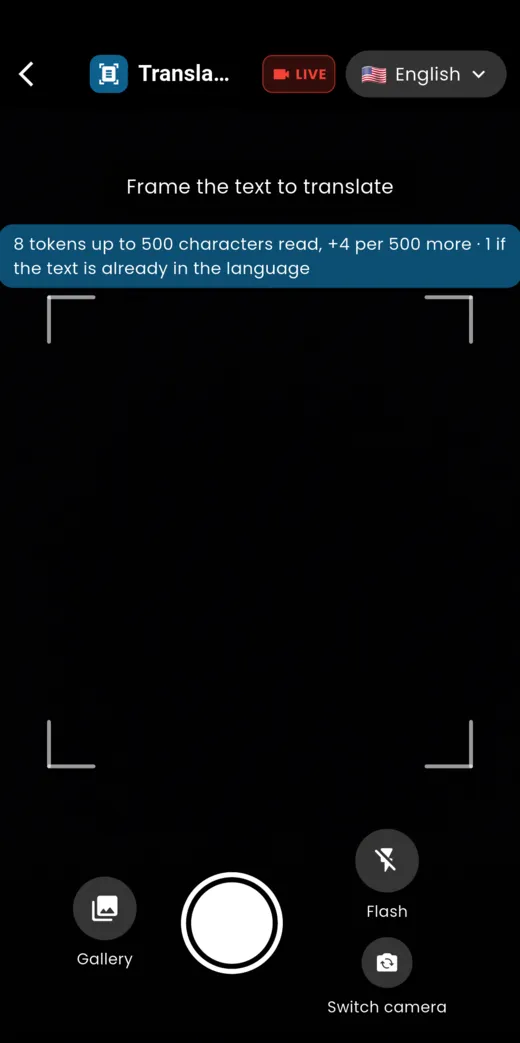
Tap Photo, frame a sign, a menu or a page, then tap the round button. The Gallery lets you pick a photo you already took. The live camera translates what you are filming, as it happens.
Translate a document
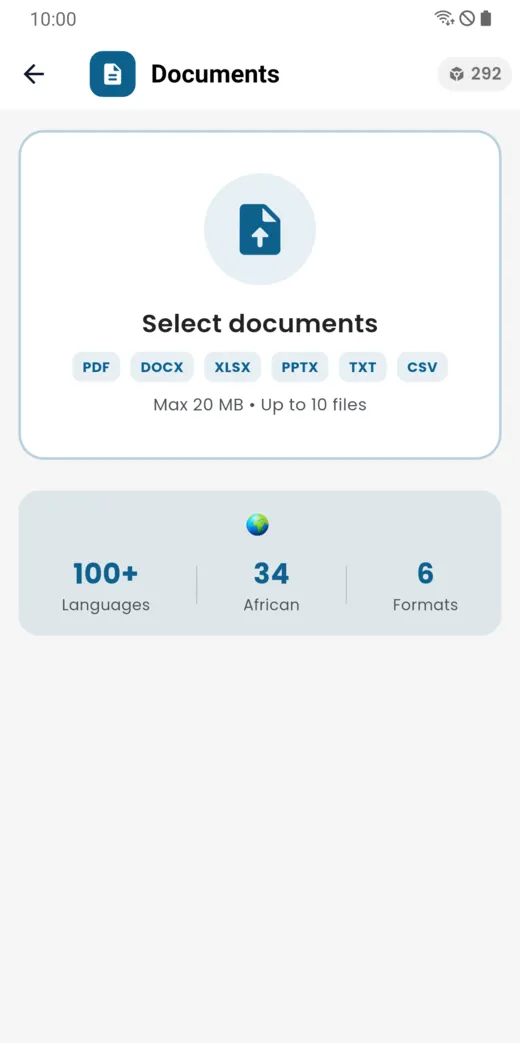
Tap Document to import a PDF, Word, Excel, PowerPoint, text or CSV file. The size and number of files are shown on the screen.
Phrases
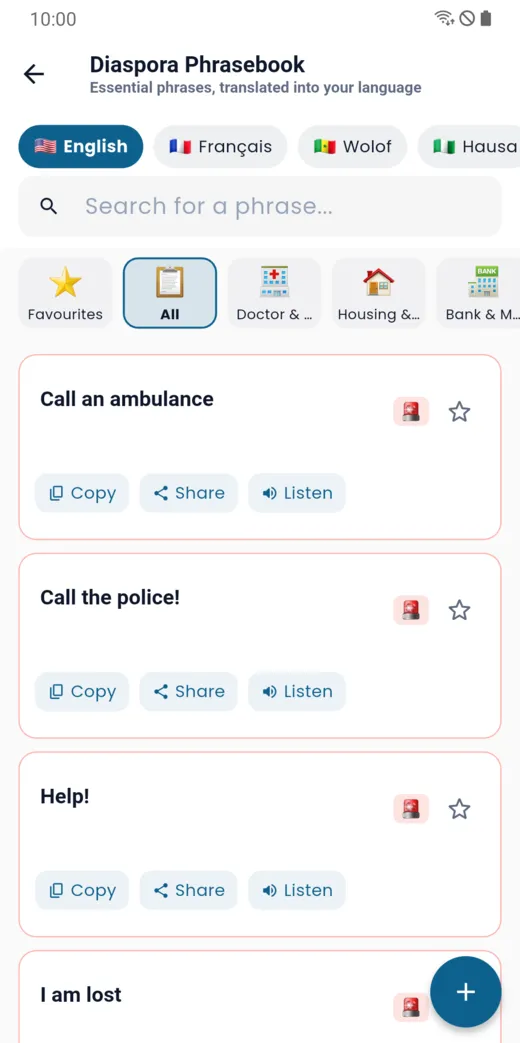
The phrasebook gathers useful phrases (emergencies, health, housing, banking…) in several languages. Reading them uses no tokens; you can copy them, share them, listen to them or add them to favourites.
More than 100 languages, including African languages
The language picker offers more than 100 languages, including African languages. If a synthetic voice does not exist yet for a language, written translation is still available.
Doesn’t this page answer your question?
Ask it in the help window, or write to support@libcomplus.com.
Ask a question